LinkedIn headshots
LinkedIn Headshots for Chicago Professionals
A LinkedIn headshot is photographed for one specific frame: a small circle, seen mostly on a phone, next to your name. Kay Choi photographs LinkedIn portraits in her Naperville studio and at offices across Chicago, framed for that crop and delivered as files sized and ready to upload.
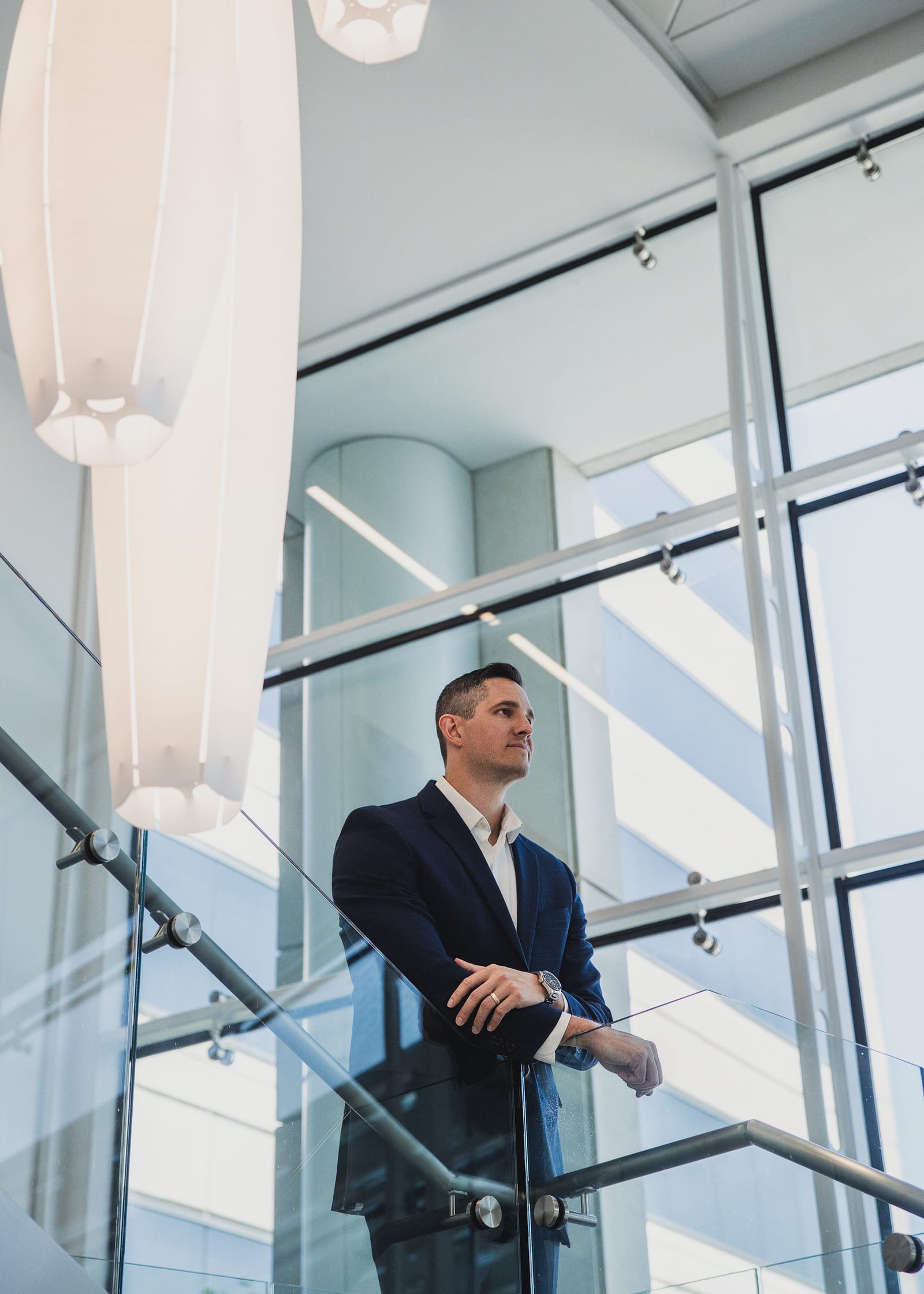
What makes a LinkedIn headshot different?
The crop. LinkedIn shows your profile photograph as a circle, and on a phone it renders at roughly the size of a fingernail. A portrait composed for a website banner — full torso, arms, a wide room behind you — loses everything that matters by the time it has been squeezed into that circle and shrunk to 48 pixels in a feed.
So a photograph made for LinkedIn is framed tighter than a general headshot, positioned so the circular mask cuts nothing important, and built around contrast between you and whatever is behind you. If your jacket and the wall are the same value, the circle turns into a grey disc with a face floating in it.
The second difference is who sees it. A LinkedIn photograph is looked at by recruiters, prospective clients, conference organisers and people about to walk into a meeting with you — usually in the ten seconds before they decide how to treat you. That is a narrower job than a portrait, and it is worth photographing for deliberately.
What you get
- Framing
- Composed for the circular profile crop, checked on screen during the session
- Background
- Chosen for separation, so the circle does not flatten into one tone
- Wardrobe
- Guidance before the day, and adjustments as the session runs
- Session length
- 30 minutes, with 2 outfit changes
- You receive
- 1 professionally retouched image
- Turnaround
- Delivered within one week
- Files
- Prepared for web, LinkedIn and print
- Where
- Naperville studio, or on location at your office
- From
- $200; additional retouched images $50 each
LinkedIn displays profile photographs as a circle and recommends a square image of at least 400 × 400 pixels. Your delivered files are prepared so you are not cropping anything yourself.
How to choose a LinkedIn photo that works
The mistakes are consistent and they are all fixable before the shutter goes anywhere near you.
- A cropped group photo. Somebody else's shoulder is still in it, the white balance is from a wedding, and everyone can tell.
- A photograph from a different decade. If a stranger would not recognise you in a lobby, the photograph is working against you.
- Sunglasses, hats, or a face in shadow. The frame is too small to survive anything obscuring your eyes.
- A busy background. Bookshelves, plants and conference banners all become texture noise once the image is 48 pixels wide.
- No contrast. Dark jacket, dark background, dark hair — the circle reads as a silhouette.
What does work is dull to describe and obvious on sight: even light on your face, a background a clear step lighter or darker than you are, clothes with structure at the shoulder, and an expression that looks like the one you actually use when you greet someone.
Profile portraits
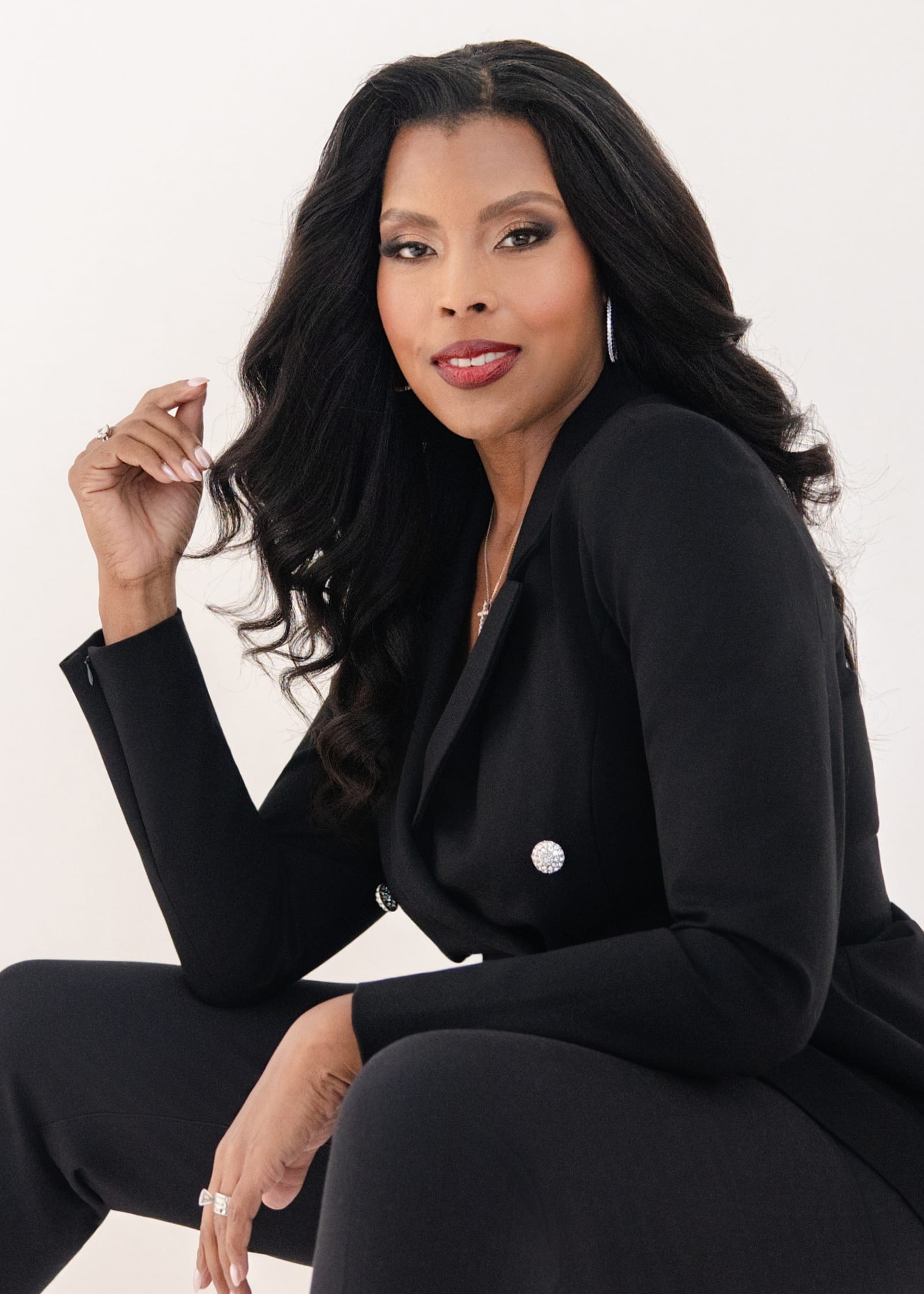
01 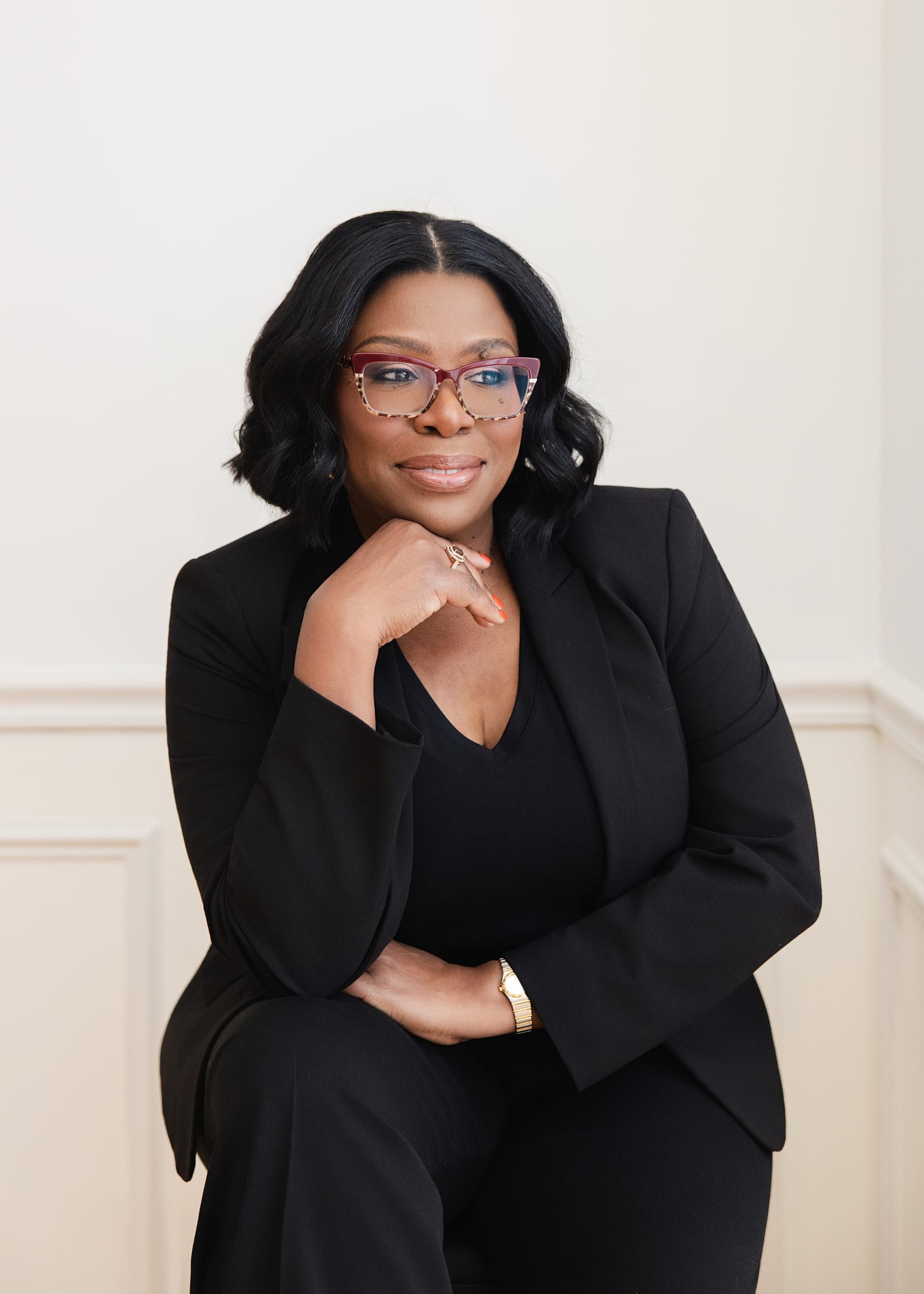
02 
03 
04 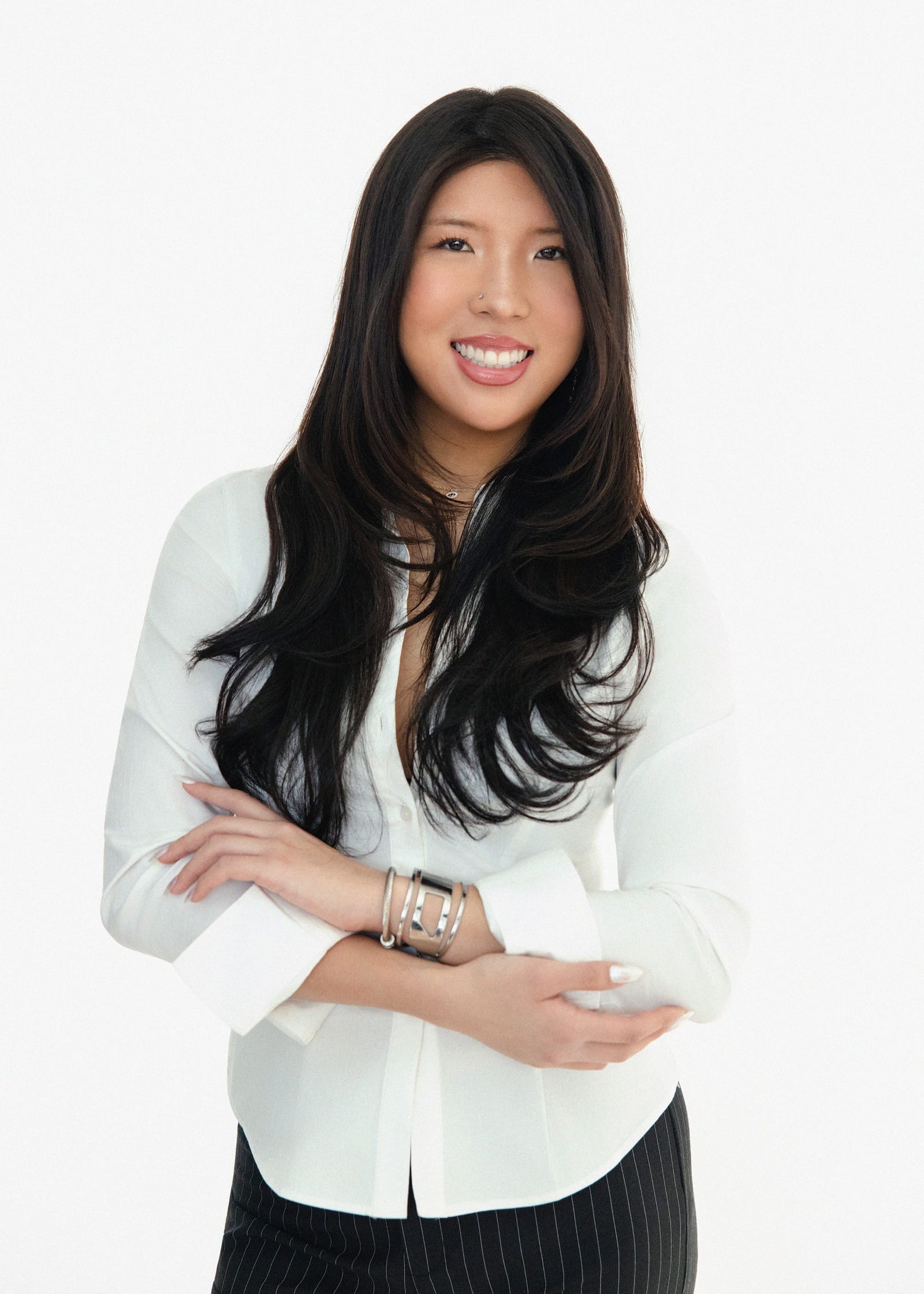
05 
06
The session
- 01
A short brief
What your profile is doing for you — hiring, consulting, speaking, job searching — and what you want a stranger to assume about you in the first second.
- 02
Two or three set-ups
Different backgrounds and light, so you leave with a photograph that still works if your firm's brand colours change or you move industries.
- 03
The screen
Images reviewed with you as the session runs, including a look at how the frame behaves once it is cropped square.
- 04
Files ready to upload
Retouched and prepared for web, LinkedIn and print — no resizing, no guessing which file to use.
Questions people ask
How often should I update my LinkedIn headshot?
When it stops matching the person who walks into the room. In practice that is every two to three years, or sooner after a significant change in role, hair or glasses. A photograph that no longer resembles you quietly costs you credibility at the exact moment someone is deciding whether to meet you.
Should I smile in a LinkedIn photo?
Usually, yes — but the useful version of that advice is narrower. A closed-mouth, engaged expression reads as competent in almost every field. A broad smile suits client-facing and healthcare work. A flat, unsmiling face reads as cold at small sizes, because the frame is too little to carry subtlety. Kay directs expression during the session rather than leaving you to hold a face for twenty minutes.
What background is best for a LinkedIn headshot?
One that separates you from it. A clean studio background is the safest and travels well across industries. An office or workplace background works when the room says something true about your work — a clinic, a firm's library, a showroom — provided it is thrown far enough out of focus that it does not compete at thumbnail size.
Can you photograph my whole team's LinkedIn photos?
Yes. Team sessions are photographed on site in one visit, with consistent light and background so a leadership page looks like one company rather than fifteen different photographers. See corporate photography for how those days are run.
Do I get more than one photograph?
The Headshot Session includes one professionally retouched image, and further frames from the same sitting are $50 each. If you need a set — several looks and backgrounds for a website, a press page and social profiles as well as LinkedIn — that is The Branding Collection: an hour, ten retouched images, from $500.
Book a session
The photograph next to your name, done properly.
Photographed in Naperville or at your Chicago office, framed for the profile crop and delivered ready to upload.